The solution for better organization of remote work.

Tomorrow's companies can't be built with yesterday's tools.

Say goodbye to Excel files and silos, and make hybrid working a lever for efficiency with our simple, integrated remote work software.

More than 600 offices worldwide use Deskare.

"Deskare is a single interface you can use directly from Teams to keep an eye on your week and those of your colleagues."
Claire Heinrich
Director of Compensation and Benefits, Eramet
  • 1,200 users
  • Spread across 3 countries
  • Over 90% declaration rate
Read the case study 

Easier, more automated administration .

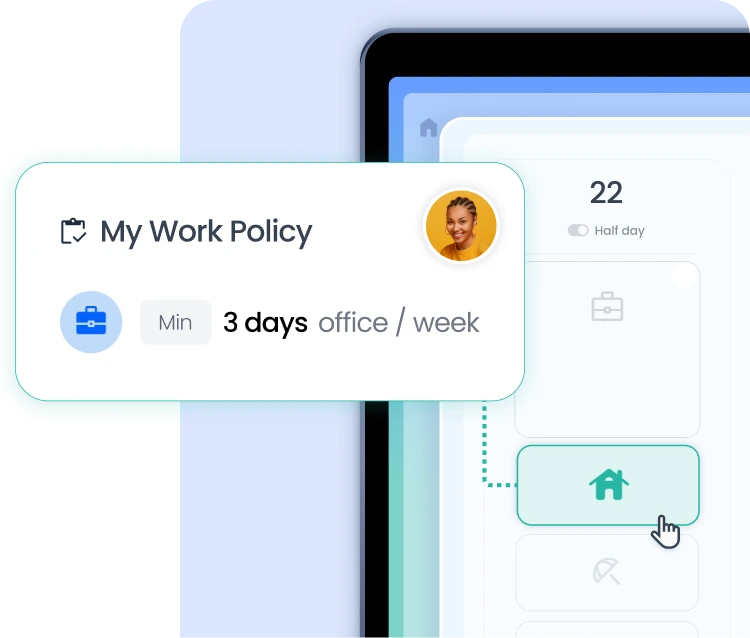
Customizable remote work rules

Your company has a remote work agreement, and manages special cases?

Create and customize your rules in our Rules Center. Blocking or overriding, maximum or minimum, by team or individual... Your remote work charter comes to life in Deskare!

Key personnel

Do you have trouble knowing whether your office has the right number of SSTs, clerks/guides or other key personnel?

With our tagging system, you can recognize key personnel directly and take the necessary measures to ensure the safety of your teams, even when working in hybrid mode.

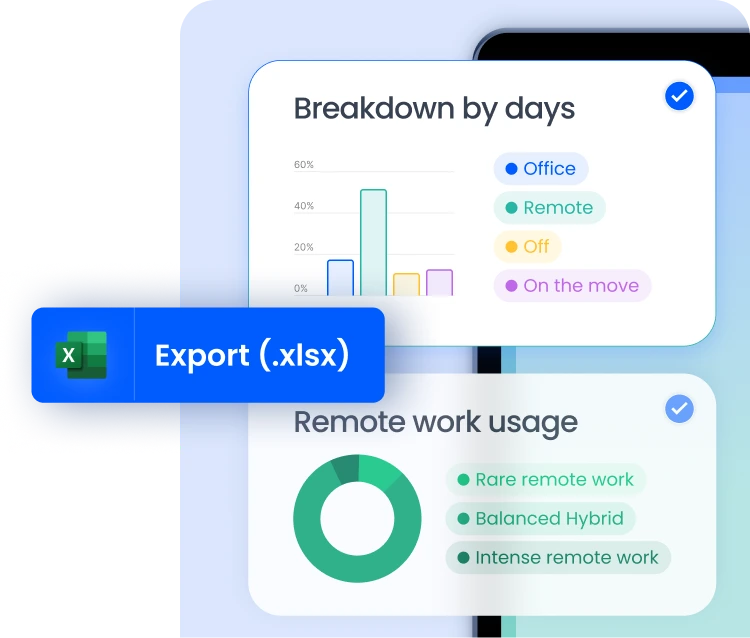
Exports and data

A Comex to convince? An agreement to renegotiate? A move to prepare?

Find the data you need directly in your administrator area, filter them or export them.

You have the keys to making better decisions!
Left arrow icon
Right arrow icon
Did you know? 
Some of our customers automate remote work allowance payments thanks to Deskare. Payroll is simplified and fair, in just a few clicks!

Find out all about the remote work allowance here ➔

The remote work software that makes your life easier.

Without Deskare

With Deskare

Know when my colleagues are coming
Messages, Excel files...
check
Monitor office attendance rates
Sensors, Excel files...
check
Simple application of the remote work agreement
Repeated communications, no follow-up
check
Find out which teams use remote work the most
Intuition or face-to-face observation
check
Finding the best time to schedule a face-to-face meeting
Messages, emails...
check
Proactively identify cases of isolation and disengagement
Intuition
check
Would you like to see Deskare in action?
Book a live demo with one of our experts: we'll get back to you during the day to present the tool and answer your questions.
Request a demo

FAQ - Everything you need to know about remote work software

What is remote work software?

drop down
remote work software is a tool designed to organize, structure and manage remote work within a company. It manages employee presence, applies remote work rules laid down in the internal charter, facilitates collaboration and monitors usage over time. Deskare fits into this category with a simple, integrated solution designed for hybrid organizations.

Why use remote work software in your company?

drop down
Because traditional tools (Excel, e-mail, internal chats...) are no longer enough. Good remote work software lets you :
  • know who's there when and where
  • coordinate teams more easily
  • monitor and apply your HR rules
  • reduce the administrative burden associated with remote work
It's a lever for fluidity, fairness and collective performance. 

What are the benefits for HR?

drop down
With software like Deskare, HR can :
  • visualize remote work habits by team or individual
  • ensure compliance with charter minimums and maximums
  • identify cases of isolation or disengagement
  • automate remote work allowance payments via integrated exports
All without double entry, thanks to integration with HRIS systems.

Can Deskare track employee attendance?

drop down
Yes, Deskare centralizes the attendance schedules of all employees, in a clear, shared view. Everyone can see when their colleagues are in the office, plan team days or organize a face-to-face meeting without friction.

This visibility offered to employees is perfectly in line with the RGPD and current regulations. Deskare is regularly presented to CSE and other IRPs to validate the added value for all employees.
Deskare in the press
BFMTV
Challenges Logo
Le Figaro Logo

remote work software remote work coordinate your hybrid teams

remote work software helps manage employee attendance in hybrid work environments. Each team member reports their remote work days and shares their schedule with colleagues. Managers can see in real time who is in the office and who is working from home. The flex office solution integrates this tracking directly into internal communication tools.

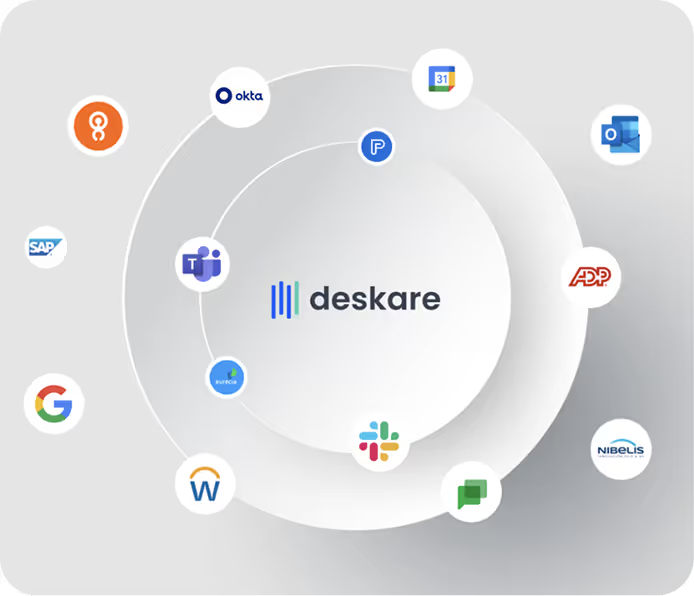
The remote work platform centralizes attendance schedules in a shared view. Employees no longer need to wonder whether their colleagues are available in person. They can view the schedule via Teams, Slack, or Google Calendar and plan their visits to the office accordingly. The remote work schedule is updated in real time as soon as an employee changes their weekly schedule.

The organization of remote work is based on internal rules that companies configure within the tool. The number of remote work days remote work per week, mandatory in-office days, and teams subject to specific restrictions—the software automatically enforces these settings and flags any deviations.

A remote work tool remote work managers and HR teams

The remote work tool gives managers a weekly overview of their team's availability. They can anticipate slow days, organize group sessions, and adjust the resources available on-site. This visibility reduces unnecessary meetings and improves project planning.

HR teams have access to detailed statistics on remote work practices remote work the company. They track remote work rates remote work employee, by team, and by time period. The hybrid work solution identifies situations where employees may be at risk of disengagement and helps HR take proactive measures. This data replaces Excel spreadsheets and manual reports.

The remote work solution integrates with HRIS systems to synchronize absences and leave. When an employee takes leave, their reserved resources—workstation, meeting room, and parking space—are automatically released. The flex office solution benefits directly from this synchronization.

A remote work app remote work by employees

The remote work app works wherever employees are already working. Integrations with Teams, Slack, and Google Chat allow employees to report their workweek without switching tools. An automatic reminder is sent each week to encourage reporting. The response rate averages over 95%.

Managing remote work also involves a social aspect. Employees can see which days their favorite colleagues are in the office and can schedule their visits to meet in person. The employee experience solution strengthens these social connections and reduces the isolation associated with remote work.

The occupancy management software generates reliable data on actual office occupancy. This data informs real estate and space planning decisions. Companies that manage multiple locations have a consolidated view of their entire portfolio.

FAQs About remote work Software

How does the tool track remote work ?

Each employee reports their remote work days remote work the app or directly through Teams, Slack, or Google. The remote work management software consolidates these reports into a shared schedule that is visible to the team and managers.

Does the software verify compliance with the remote work policy remote work

Yes. The platform enforces the rules configured by the company—daily quotas, mandatory in-office days, and affected teams. It automatically flags situations that do not comply with the defined parameters.

What statistics are available for HR?

HR teams can view remote work rates remote work employee, by team, and by time period.The remote work scheduling tool identifies trends and unusual situations, which can help detect signs of professional disengagement.

Does the software work for teams that are remote work ?

The remote work solution adapts to all models: hybrid, fully remote, or primarily in-office. Rules and quotas can be configured by team and by location to suit each situation.

How do employees report their remote work days remote work

Employees receive a weekly reminder in their communication tool. They can indicate their location with a single click—office, remote work, or travel. The process takes less than thirty seconds and automatically updates the associated reservations.