









.webp)

.webp)
.webp)




.avif)
.avif)





%20(1).avif)



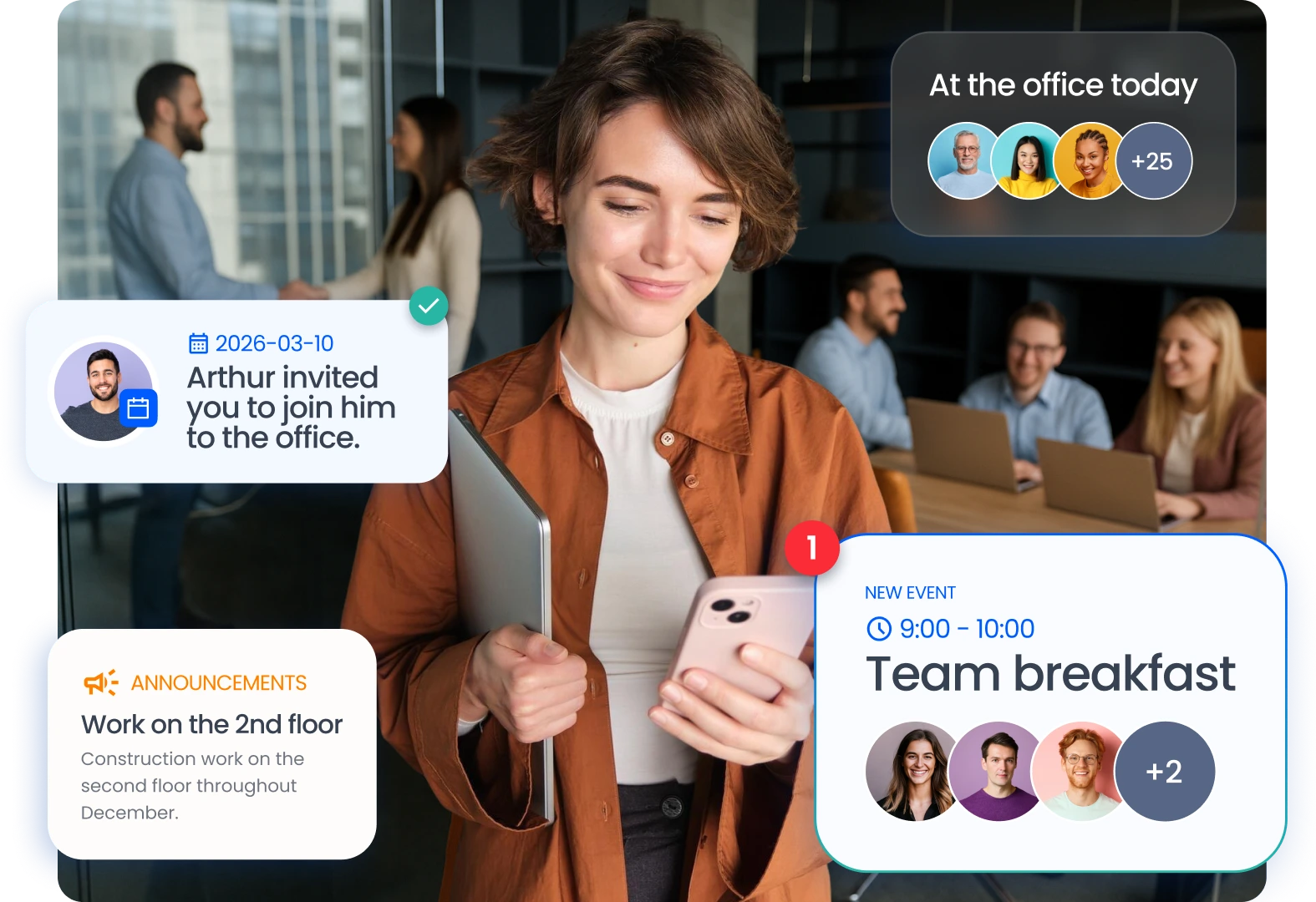
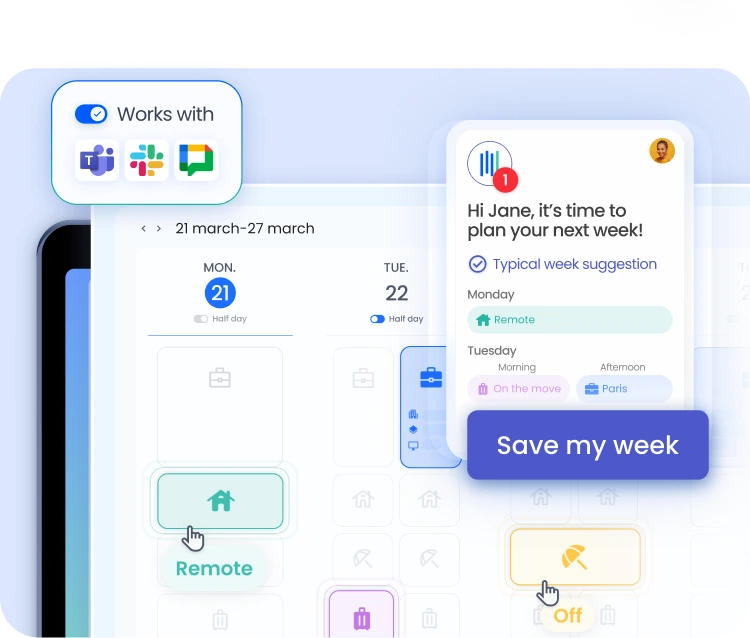
The employee experience solution brings together tools that make day-to-day life easier for hybrid teams. Shared attendance schedules, space reservations, group event planning, and internal announcements—everything is consolidated into a single interface. The flex office solution integrates these features into Teams, Slack, and Google for seamless adoption.
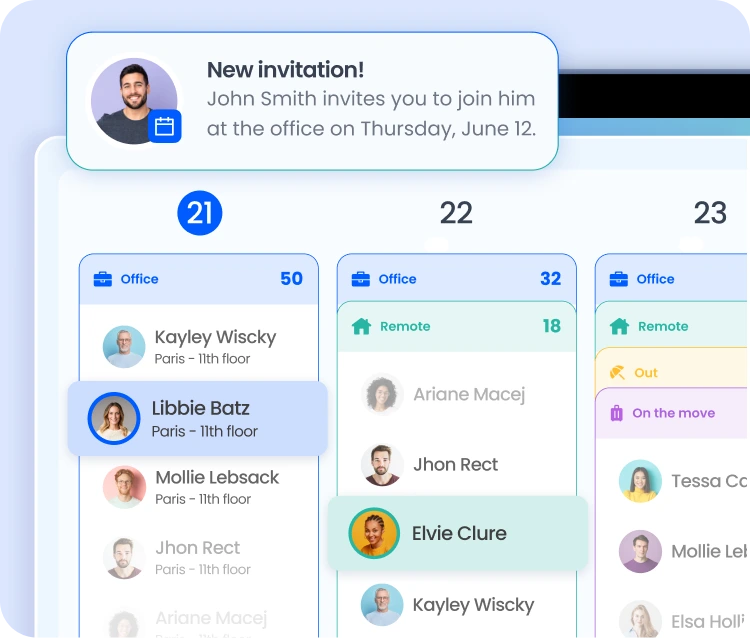
Digital workplace software reduces organizational friction associated with hybrid work. Employees know where their colleagues are, can reserve a workspace in seconds, and can independently plan their visits to the office. The shared remote work schedule serves as the starting point for this system.
A hybrid work setup benefits from a consolidated view of each employee’s availability. Managers schedule in-person meetings on days when the team is naturally together. Employees choose which days to come into the office so they can meet with the right people.
The office social app makes it easy to organize in-person group activities. Managers can organize team events (lunches, team days, after-work gatherings) directly through the app. This feature helps ensure regular get-togethers and strengthens the cohesion of geographically dispersed teams.
Internal announcements about office life are shared through the same interface. Construction projects, restricted access, and special events: practical information is shared with employees all within a single application. The integrated remote work software allows employees to adjust their work schedules accordingly.
The employee experience app adapts to each individual's profile. Employees set their work preferences: typical days in the office, preferred workstations, and colleagues they want to connect with first. This information personalizes suggestions and reduces the time spent on daily planning.
Organizing remote work fromthe employee’s perspective involves submitting a weekly schedule. In just a few seconds via Teams, Slack, or Google Chat, each team member can indicate where they will be working each day. The hybrid work solution consolidates this data into a shared view accessible to everyone.
Employees can see which days their favorite colleagues are in the office and plan their own visits accordingly. This visibility reduces the number of days spent working in isolation and maximizes the value of in-person time. Informal interactions, spontaneous collaboration, and team cohesion all benefit directly from this approach.
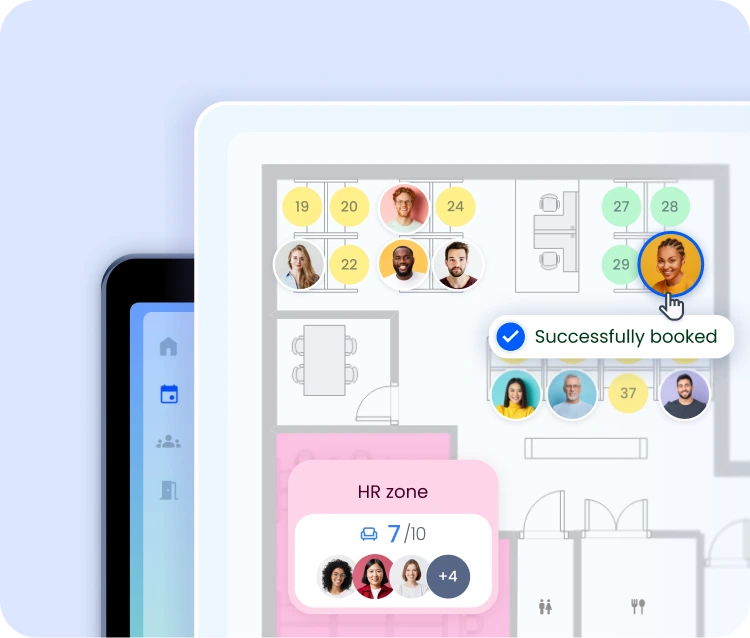
The Flex Office software enhances the experience by allowing users to reserve a workstation next to their preferred colleagues. Meeting room reservations are integrated into the same workflow, enabling seamless organization in just a few clicks.
The employee experience solution simplifies daily life for hybrid teams by centralizing attendance scheduling, space booking, and office life into a single tool. It reduces organizational friction and strengthens social connections among employees.
The office social app lets you organize group events, share announcements, and see when your colleagues are in the office. These features create opportunities to meet in person on a regular and intentional basis.
Yes. By making each employee’s presence visible, the employee experience solution allows everyone to plan their visits so they can connect with their colleagues. This visibility reduces days without interaction and enhances the sense of belonging to the team.
Yes. Each employee sets their usual days in the office, preferred workstations, and priority colleagues. The digital workplace software uses these preferences to personalize booking suggestions and weekly reminders.
Yes.The employee experience app is available on iOS and Android, as well as through Teams, Slack, the Google Suite, and Outlook. Employees on the go can easily manage their schedules from their phones.

.avif)
.avif)


